
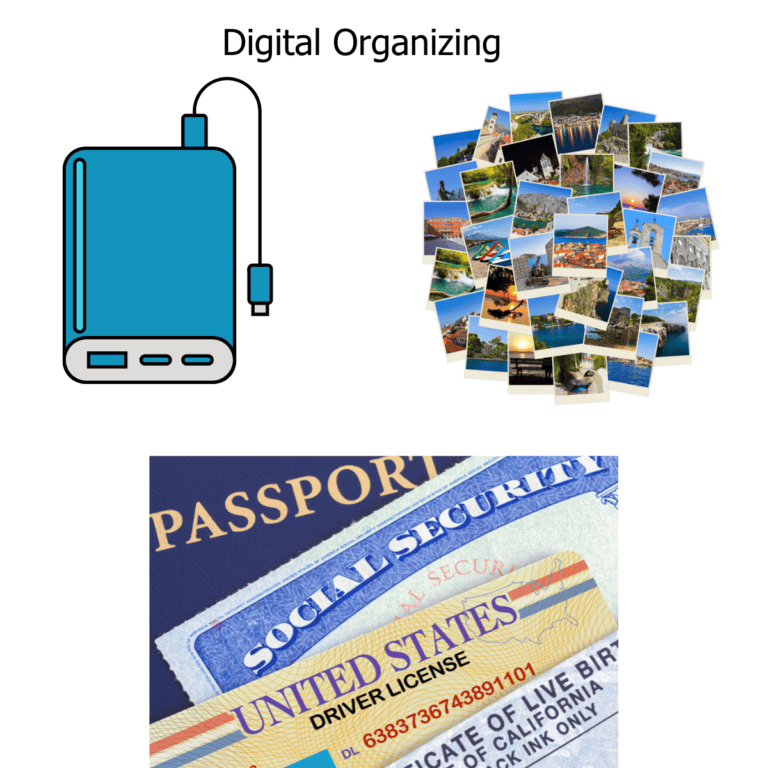
Digital Organizing can be an enormous task especially if you have ignored the idea of reviewing files, adding folders and deleting documents that are no longer relevant. For our purposes we are talking about photos & documents.
You may be propelled into tackling the job if you cannot find your most used files or your photo storage has hit it’s limit and you may need to buy more storage. Before you contemplate extra storage you have to take the time to delete and organize your files.
- Delete:
- Old screen shots that are no longer relevant
- Blurry or ‘bad shot’ pictures
- Documents that should not be in your photos
- Organize:
- Add folders for events such as family gatherings & trips. Label them and add the month/year
- Random photos of animals or the natural world, consider interest folders such as ‘Nature’, ‘Birds’, ‘Garden Plants’, ‘Wildlife’. Label these with at least the year.
- If you have a pet or 2 add an album with their names for that year
- Screenshots that are still relevant create a folder if they are for a project
Consider purchasing storage from your on-line provider or opt for a portable external hard drive with at least a terabyte of memory. A terabyte can hold about 500 movies.
My favorite brand for thumb drives and portable external hard drives is San Disk. It is small enough to carry in your pocket. The nice thing about an external hard drive is you own it and it plugs into your computer with an auxiliary cord. Need separation? Purchase 2. Once for photos and one for documents.
PC magazine lists their top pics in the link below:
https://www.pcmag.com/picks/the-best-external-hard-drives
Going to visit family? Pack your portable drive in your suitcase and display on a big screen TV using your laptop hookup.